
Platform · Passwords
The one module Kistkeep itself can't read.
Your Passwords vault is locked behind a separate master passphrase that never touches our servers. Every other module uses bank-level encryption; this one goes further.
Zero-knowledge, by design
A separate master passphrase, never your login password, unlocks your Passwords vault. We only ever store ciphertext, so no one at Kistkeep, and no attacker who breaches our servers, can read what's inside.
An honest trade-off, stated upfront
You get a one-time recovery key when you set up your Passwords vault. Losing both your passphrase and that key means the vault is unrecoverable, by design, the same trade-off every real zero-knowledge password manager makes. We tell you this at setup, not after something goes wrong.
Sharing that doesn't break the guarantee
Once a trusted contact has enrolled their own key, you can share an individual password with them without ever weakening the zero-knowledge model. Your browser seals it directly to their key, Kistkeep still never sees the plaintext.
That enrollment happens ahead of time, not after the fact. A trusted contact generates their own keypair when they accept your invite, so the moment you're ready to share something, the mechanism is already in place, instead of relying on a fragile workaround set up in a rush.
How the encryption actually chains together.
Four layers, each one unlocking the next, so a single leaked value is never enough on its own.
Your master passphrase
Set once, separate from your login password, and run through Argon2id, the same memory-hard hashing algorithm recommended by OWASP for password storage.
A one-time recovery key
Shown once at setup. Store it somewhere safe, it's the only backup route into your vault if you ever forget your passphrase.
Your Vault Key
Unwrapped by either your passphrase or your recovery key, using XChaCha20-Poly1305 authenticated encryption. This key never leaves your device unencrypted.
Per-entry Item Keys
Each password, note, and TOTP secret gets its own encryption key, wrapped by your Vault Key, so compromising one entry never exposes the rest.
What people actually keep in here.
Everyday logins
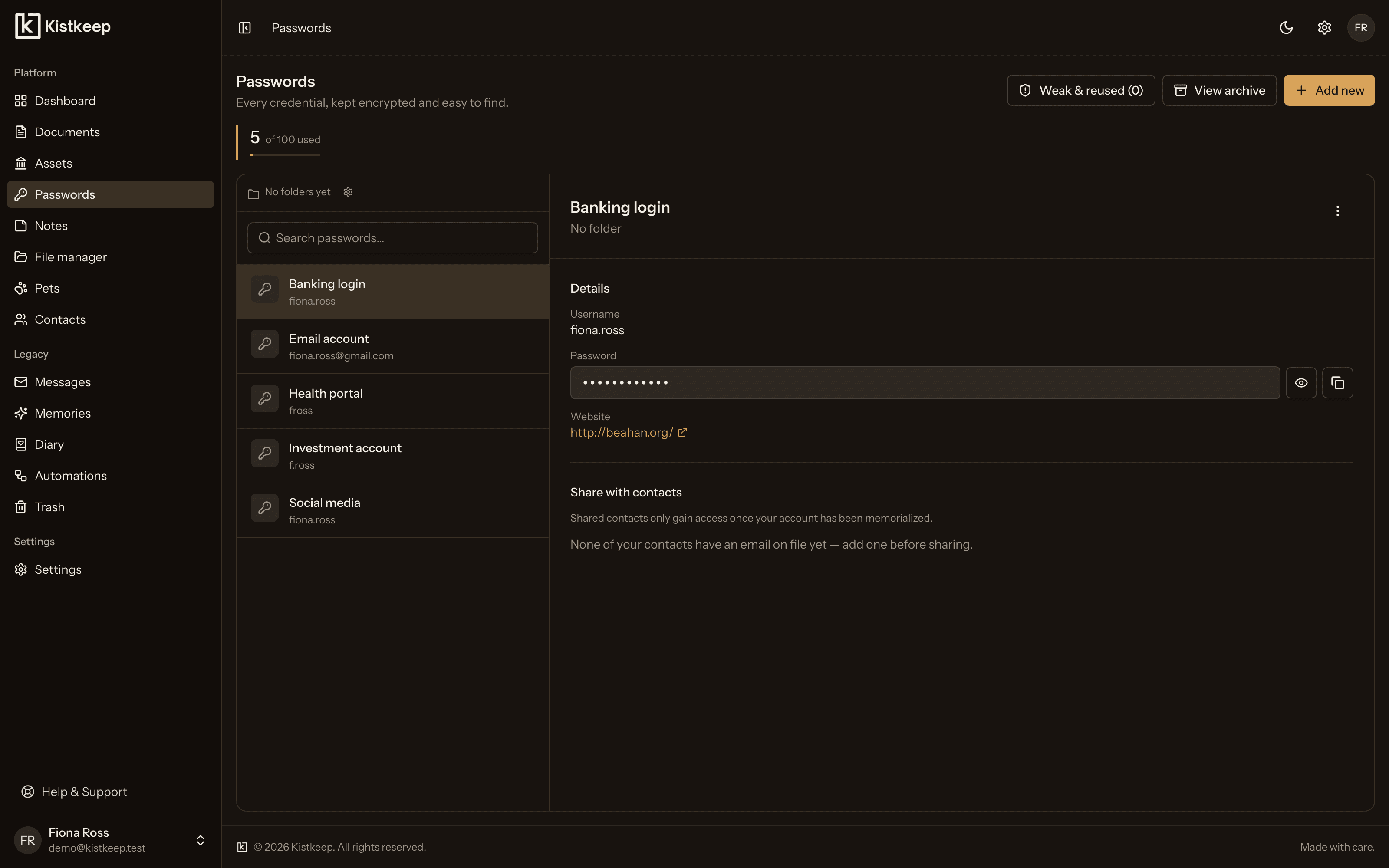
Email, banking, investment accounts, social media, health portals, stored with autofill-friendly fields and organised by how you actually use them.
Two-factor secrets
TOTP seeds for authenticator apps are stored under the same zero-knowledge protection, not as a plaintext afterthought.
Cancellation instructions
Note exactly how to close or cancel an account, useful for yourself today, and pre-authorisable for automatic cancellation later.
Why Passwords is the one exception
The rest of Kistkeep, documents, memories, messages, uses standard server-side encryption on purpose, so features like search and AI-assisted document extraction keep working. Passwords is different. Password managers are held to a specific, well-understood standard by security researchers and buyers' guides alike: zero server access to the secret, authenticated encryption, and a hashing algorithm resistant to brute force. We built to that standard for this one module, rather than applying a weaker, one-size-fits-all approach everywhere.
Keep your passwords somewhere even we can't read.
Start for free, no card required.